
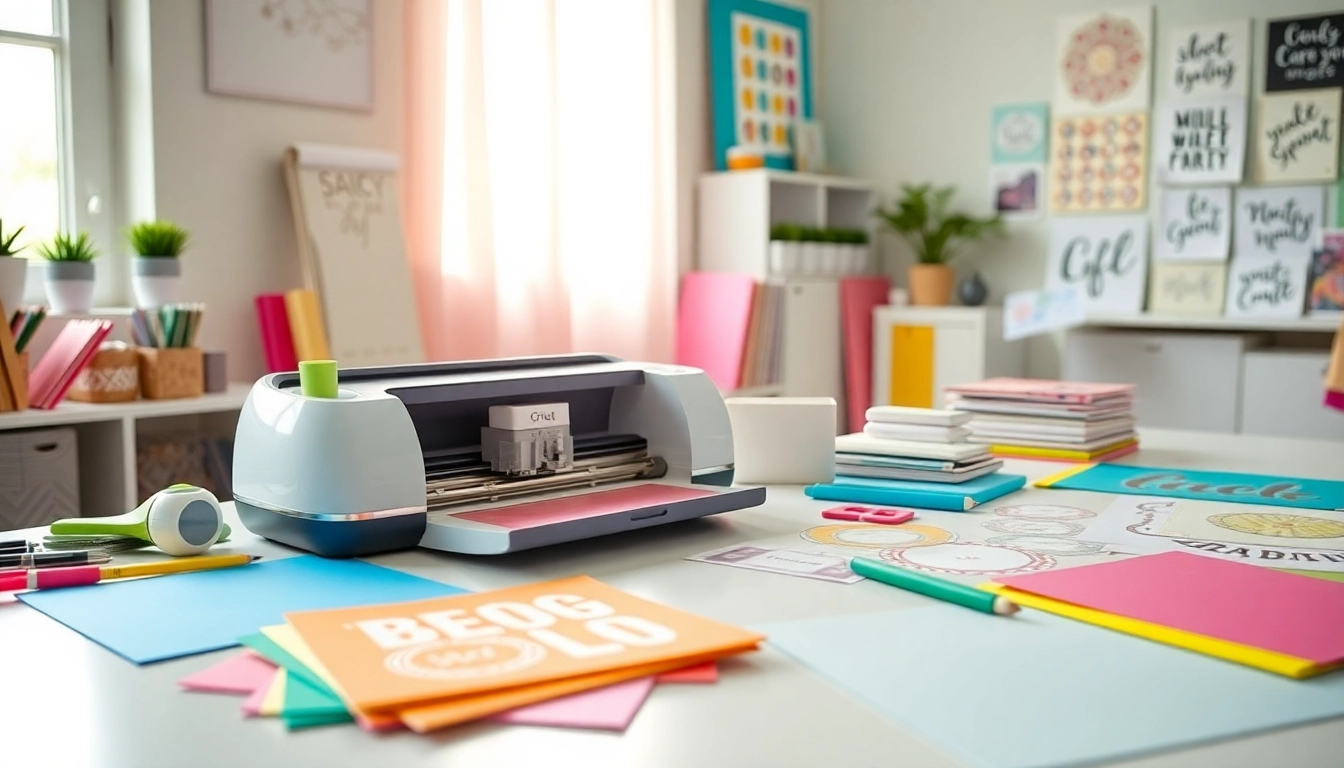
Understanding Cricut Machines: A Beginner’s Overview
Welcome to the world of Cricut, where creativity meets technology! Whether you are looking to dive into crafting or seeking to enhance your DIY projects, understanding the basic concepts of Cricut machines is essential. This guide, tailored especially for beginners, will walk you through everything you need to know about getting started with Cricut. For those eager to learn more, Cricut for beginners provides comprehensive insights into the best practices and tips to navigate your crafting journey confidently.
1. What is a Cricut Machine and How Does It Work?
A Cricut machine is a versatile cutting tool that enables users to create intricate designs by cutting various materials such as paper, vinyl, fabric, and more. The machine operates via Bluetooth or USB connection to a computer or a mobile device, allowing you to use the Cricut Design Space software. This software is the hub for creating or uploading designs, managing projects, and accessing a library of pre-made templates.
2. Different Models: Which Cricut Machine is Right for You?
Choosing the right Cricut machine depends on your crafting needs and budget. The most common models include:
- Cricut Explore Air 2: Ideal for beginners, it offers cutting, writing, and drawing capabilities on a variety of materials.
- Cricut Maker: Perfect for advanced users, it features a rotary blade for fabric cutting and can handle a wider range of materials.
- Cricut Joy: A compact and budget-friendly option designed for quick projects and smaller cuts.
Each model offers varying features to accommodate different users, so consider your project needs carefully when selecting a machine.
3. Basic Terminology Every Newbie Should Know
Before diving into crafting, familiarize yourself with essential terms that will help you navigate the Cricut ecosystem:
- Weeding: The process of removing excess material from your design after cutting.
- SVG files: Scalable Vector Graphics are files used for cutting designs that can be resized without losing quality.
- Blade: The tool that cuts through materials; there are different types for different purposes.
Understanding these terms will enhance your confidence and efficiency as you begin your Cricut journey.
Getting Started: Your First Cricut Project
After unboxing your Cricut machine and familiarizing yourself with the terminology, it’s time to start your first project. This section will guide you through the initial steps to ensure your crafting experience is smooth and enjoyable.
1. Choosing the Right Materials for Beginners
As a beginner, it’s crucial to choose the right materials. Start with basic items:
- Adhesive vinyl: A great material for your first project; it’s easy to work with and perfect for creating stickers and decals.
- Cardstock: Wonderful for making cards and decorative paper crafts.
- HTV (Heat Transfer Vinyl): Ideal for customizing t-shirts and fabric items.
Selecting the right materials will make your initial projects successful and boost your confidence.
2. Step-by-Step Guide to Your First Cricut Project
Let’s create a simple vinyl decal for a mug. Follow these steps:
- Open Cricut Design Space and select a canvas.
- Create or upload your design.
- Set your material to vinyl in the settings.
- Load the mat into your machine and click ‘Go’.
- Once completed, weed out the excess vinyl.
- Transfer the design onto your mug using transfer tape.
This straightforward project will familiarize you with the cutting process and help you gain practical experience with the Cricut machine.
3. Common Mistakes to Avoid as a New User
As you embark on your Cricut crafting journey, be mindful of these common pitfalls:
- Not calibrating your machine correctly, which can lead to inaccurate cuts.
- Using the wrong blade for your material, which can result in damage to both the material and the blade.
- Forgetting to mirror your design when using HTV, which is crucial for proper application.
Avoiding these mistakes will save time and frustration, allowing you to focus on creativity.
Mastering Cricut Design Space
Understanding how to navigate Cricut Design Space is key to getting the most out of your machine. This software is not just a tool for creating designs; it’s also a repository of numerous resources available to you as a beginner.
1. Navigating the Cricut Design Space Interface
When you first open the Cricut Design Space, you will find a user-friendly interface. Familiarize yourself with the main components:
- The Canvas area, where you create and modify your designs.
- The Design Panel, which provides access to shapes, text, and images.
- The Toolbar, where you can access the cut settings, undo or redo actions, and save designs.
Spending some time learning each element will make your crafting experience easier.
2. Creating Your Own Designs: Tips for Beginners
Creating custom designs can be intimidating, but with practice, it becomes rewarding. Here are some tips:
- Start with simple shapes and build complexity over time.
- Use the text tool to add quotes or messages to your projects.
- Import SVG files from reputable sources to expand your design options.
Experimenting with your own designs encourages creativity while gaining proficiency with the software.
3. Utilizing Templates and Resources Available
Cricut Design Space offers numerous templates and pre-made designs. Utilize these resources to inspire your projects. You can find templates for cards, home decor, and DIY gifts. By using templates, you can quickly create impressive projects without starting from scratch, allowing you to focus on learning different techniques and processes.
Essential Tools and Supplies for Cricut Beginners
To fully enjoy all that your Cricut machine offers, you’ll need a few essential tools and supplies. This list will help you get started without overspending.
1. Must-Have Accessories for Your Cricut Journey
Consider adding these accessories to your toolkit:
- Cutting Mats: Available in different styles for various materials, these mats provide a reliable surface for cutting.
- Weeding Tools: These tools simplify the process of removing excess material from designs.
- Transfer Tape: Essential for moving your designs from the cutting mat to your project surface accurately.
Having the right accessories will enhance your crafting experience significantly.
2. Budgeting for Cricut Supplies: What You Need
When starting, it’s easy to get overwhelmed by the available materials and accessories. Creating a budget can help manage expenses. Focus on acquiring essential materials first, such as vinyl and cardstock, and gradually expand your collection as you gain experience and confidence in your crafting abilities.
3. Where to Find Quality Materials at Great Prices
Shop at local craft stores or online retailers that frequently offer sales. Look for seasonal discounts and bulk-buy options to save on your supplies. Websites like Amazon or specialty craft sites often provide competitive prices on Cricut-compatible materials.
Advanced Tips and Techniques for Crafting Success
Once you’re comfortable with the basics, you can start exploring more advanced techniques that will elevate your crafting projects.
1. Expanding Your Skillset: Beyond Basic Projects
As you gain confidence, try your hand at more complex projects, such as customized apparel, home decor, or multi-layered designs. Take online courses or join tutorial groups to learn advanced techniques from experienced crafters.
2. Joining the Cricut Community: Support and Inspiration
The Cricut community is vast and supportive. Join forums, social media groups, or local crafting clubs to connect with fellow crafters. Sharing your projects and receiving feedback can inspire new ideas and help you overcome challenges.
3. Future Trends in Cricut Crafting for 2026 and Beyond
As technology advances, expect to see new tools and materials that increase the versatility of Cricut machines. Trends such as interactive and 3D crafting are likely to become more prominent, providing new avenues for creative expression. Staying informed and adapting to these changes will keep your crafting skills relevant and exciting.